
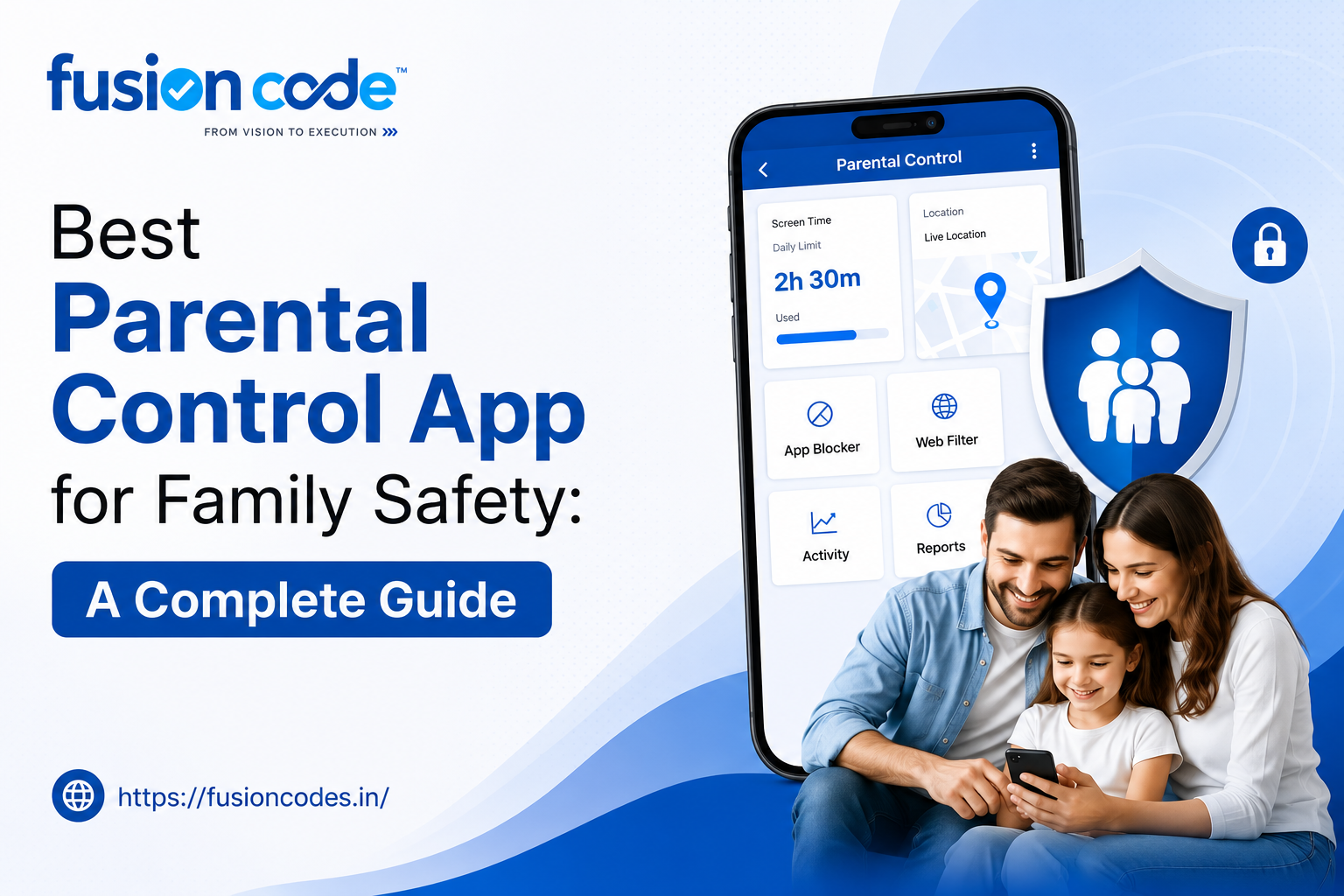
Handing your kid their first phone comes with a very specific kind of worry, and it doesn’t just fade on its own. A good Parental Control App won’t erase that feeling, but it does give you something most parents never had before: an actual look at what’s happening on the device instead of a guess.
This guide gets into what a parental control app for family safety should actually do, how the app we build at Fusion Codes handles it, and the questions parents ask most before they commit to one.
What Is a Parental Control App and Why Your Family Needs One
A parental control app, at its core, just gives you a window into what’s happening on your kid’s device, plus a bit of say over where the lines get drawn. Parental controls handle the boundary side: screen time, app access, content. Parental monitoring is more about the visibility side: messages, location, browsing habits.
None of this is about spying for its own sake. It’s closer to just knowing which park your kid is actually at.
How Does a Parental Control App Work?
Most of these apps work the same basic way, ours included. Something gets installed on the kid’s device, and it talks to a dashboard you check from your own phone or a browser. You set the rules once, glance at activity summaries when you feel like it, and get a ping if something trips a line you drew earlier.
Screen Time Management, Content Filtering, and Beyond
The basic toolkit tends to cover a handful of things at once:
- Screen time management, so the device locks or pauses after set hours
- Content filtering that blocks categories like violence or explicit material
- App blocking for anything that isn’t age-appropriate
- Device monitoring across browsing history and whatever gets installed
Our Parental Control App for Android and iOS
The app we’ve built works on both Android and iOS, though the two don’t behave the same way underneath. Android tends to allow deeper monitoring simply because Apple locks down what third-party software can actually see on iOS.
That gap matters more than people expect if your household runs a mix of devices. Worth checking which features carry over on iOS before you assume everything works identically.
Parental Control App with GPS Tracking and Geofencing
GPS tracking is built in, so you can see where a device is right now, not where it was an hour ago. Pair that with geofencing: set a zone around home, school, a grandparent’s place, and you get pinged the moment your child steps outside it.
Parental Control App with Location Alerts
Location alerts ride on top of that GPS feature, firing off a notification the second a boundary gets crossed. The point isn’t constant checking. It’s only hearing from the app when something’s actually worth knowing.
Core Features: App Blocking, Web Filtering, and Device Monitoring
Past location, the day-to-day features are what most parents actually touch. Web filtering software and app blocking work in tandem so certain sites and apps just aren’t reachable, no matter how many times a kid tries.
Parental Control App with App Blocker
The app blocker lets you restrict specific apps entirely, or limit them to certain hours. Games during homework time, say, without needing to physically confiscate the phone every evening.
Parental Control App with Web Filtering
Web filtering blocks whole categories of sites rather than making you list every bad URL yourself, which would be endless. It leans on an explicit content filter along with age-appropriate content settings that shift as kids get older.
Explicit Content Filter and Age-Appropriate Content
The explicit content filter catches the obvious stuff automatically. Age-appropriate content settings let you fine-tune beyond that, since what’s fine for a 15-year-old and what’s fine for a 9-year-old are two very different conversations.
Social Media, YouTube, and Communication Monitoring
Social platforms and video apps are where most parental anxiety actually lives, and honestly, that’s fair. There are a few dedicated tools built around exactly this.
Parental Control App with YouTube Restrictions
YouTube restrictions limit content by category and can force restricted mode at the system level, so autoplay doesn’t quietly wander somewhere inappropriate by video number ten.
Parental Control App with Social Media Monitoring
Social media monitoring gives you visibility into activity across the major platforms without necessarily reading every private message word for word. It’s built more to flag patterns, unusual contacts, and risky language than to run full surveillance.
Parental Control App with Call and Text Monitoring
Call and text monitoring tracks who a child’s in contact with and how often. This matters most for catching an unfamiliar number or a sudden spike in messages from one particular contact.
Protecting Kids from Online Risks
This is really the whole point behind everything above. Cyberbullying prevention, online grooming awareness, and sexting prevention aren’t separate features bolted on. They’re what the monitoring is actually built to catch.
Protecting Kids from Cyberbullying Online
Cyberbullying rarely arrives as one dramatic message. It builds slowly, through small comments repeated across group chats and social apps, and that slow build is exactly what’s easy to miss without some form of monitoring running.
How to Stop Kids from Watching Inappropriate Content
An explicit content filter combined with app blocking and YouTube restrictions handles most of it. What’s left gets closed by an honest conversation about what to do if something slips through anyway, because something eventually will.
Screen Time, Digital Wellbeing, and Internet Addiction
Digital wellbeing isn’t just a phrase parents roll their eyes at anymore. Screen addiction and internet addiction in teens are real, documented concerns, and a bit of daily digital detox tends to help more than a flat ban ever does.
How to Limit Screen Time for Kids
- Set device-free windows around meals and before bed
- Use app-specific limits instead of one blanket cutoff
- Tie earned screen time to chores or finished homework
- Check usage reports weekly rather than reacting to every single alert
How to Monitor Your Child’s Social Media Safely
Monitoring social media safely comes down to watching for patterns, not reading every message like you’re building a case. Flagged content and unusual activity get surfaced so you’re not stuck scrolling through everything by hand.
How to Talk to Your Child About Phone Monitoring
Being upfront about it works better than hiding it does. Framing the monitoring around catching predators and bullying, not policing every single text, tends to land a lot better than a surprise discovery six months in.
Signs Your Child Needs Parental Controls
A few signals usually show up before parents even think about downloading an app:
- Sudden secrecy around their phone or laptop
- A noticeable drop in sleep, or a spike in late-night device use
- New online contacts that seem to appear out of nowhere
- Mood swings that track a little too closely with time spent online
Choosing the Right Parental Control App
Truth is, there’s no crown for “best app.” There’s only what fits your household. A parent chasing a toddler who grabbed the tablet needs something completely different from a parent whose 15-year-old is juggling five different apps at once.
How to Choose the Right Parental Control App
Figure out what actually keeps you up at night first. If it’s “where is my kid right now,” go heavy on GPS and geofencing. If it’s “what are they looking at,” lean into filtering and app blocking instead. Trying to turn on every feature at once, in my experience, is how half of them end up ignored within a week.
Can Teens Detect Parental Control Apps?
Sooner or later, probably. A kid who knows their way around Android settings can usually spot a background process if they go digging for one. That’s actually fine. This app isn’t built to disappear like some sneaky spyware tool. Parents who are upfront about it tend to get less pushback down the line than ones who try to hide it.
Common Questions About How Parental Control Apps Work
A few of the same technical questions come up over and over once parents start comparing apps side by side. Here they are, answered plainly.
Do Parental Control Apps Drain Battery?
A little, yes, because something running in the background all day is never entirely free. That said, a decently built app shouldn’t leave you charging your kid’s phone twice as often as usual. If it does, something’s wrong with the build, not the concept.
Do Parental Control Apps Work on WiFi Only?
No, and honestly, if one only worked on WiFi, it wouldn’t be worth much. Kids leave the house. Most apps, this one included, keep monitoring going across mobile data too, so stepping outside doesn’t switch off protection.
Can Parental Control Apps See Deleted Messages?
Sometimes, sometimes not. It comes down to how fast the app logged the message before it got deleted. A few apps catch things close to real time, which helps, but nobody should treat this as a guarantee across every platform.
Frequently Asked Questions
Can teens detect parental control apps?
Usually, yes, given enough time and a bit of curiosity, especially on Android. Most parents find it goes over better when the kid already knows it’s there rather than stumbling on it themselves.
How does a parental control app work?
The short version: it sits on the child’s device, talks to a dashboard you control, and lets you set limits around screen time, content, and location. You get notified when something trips a rule you set.
Do parental control apps drain battery?
A bit, since it’s always running quietly in the background. A properly built app keeps that drain small enough that you won’t really notice it in day-to-day charging habits.
What age should you stop using parental controls?
No fixed number here. It’s more of a gradual handoff through the teenage years as independence and trust build up, rather than one day flipping a switch.
How do I choose the right parental control app?
Start by naming your actual worry, location, content, screen time, whatever it is, and pick an app that’s strong there specifically. Chasing every possible feature at once usually backfires.
Can parental control apps see deleted messages?
It depends. Some apps log messages quickly enough to catch them before deletion; others don’t. Don’t bank on this working every single time.
Do parental control apps work on WiFi only?
No. A good one, including ours, keeps monitoring active on mobile data as well; otherwise, protection would vanish the moment your kid left the house.
How can I stop my kids from watching inappropriate content?
Stack an explicit content filter with app blocking and YouTube restrictions, and then still have the conversation about what to do if something slips past anyway, because eventually something will.
How can I limit screen time for my kids?
Block off device-free time around meals and before bed, set limits per app instead of one blunt cutoff for everything, and glance at usage reports once a week rather than obsessing over every alert as it comes in.
How can I monitor my child’s social media safely?
Keep an eye on patterns and anything flagged as unusual, not every message word for word. That’s really the point of the monitoring tools: to surface what matters instead of drowning you in everything.
What are the signs my child needs parental controls?
Sudden secrecy, worse sleep tied to late-night phone use, new contacts nobody in the family recognizes, and moods that seem to rise and fall with however much time was spent online that day.
How do I talk to my child about phone monitoring?
Just tell them why it’s there. Frame it around real risks like predators and bullying rather than a lack of trust, and most kids handle that a lot better than finding out on their own months later.
How can I protect my kids from cyberbullying online?
Watch for the slow build, small comments repeated across group chats and social apps rather than one big blowup. That gradual pattern is exactly what monitoring tools are designed to catch before it snowballs.
What Age Should You Stop Using Parental Controls?
There isn’t a magic birthday where this becomes unnecessary. Most parents just loosen the reins gradually as their teenager earns more trust, moving away from constant monitoring toward the occasional check-in. The American Academy of Pediatrics has published guidance built around developmental stages rather than a hard age cutoff, which is worth a read if you want something more structured than gut instinct.
If grooming and predator behavior specifically worry you, the National Center for Missing & Exploited Children puts out resources aimed directly at parents, and they’re worth bookmarking before you need them, not after.